Start with the reason, not the passwords
Asking a parent for passwords can feel invasive. Start with the practical reason: "If you were in the hospital for a week, what would we need to keep the household running?"
That question is less about control and more about continuity. It opens the door to bills, email, medical portals, pharmacy accounts, phones, insurance, and utilities.
Make an account inventory before collecting passwords
The safest first step is not a big list of passwords. It is a list of what accounts exist and who uses them.
- Email and phone accounts
- Banking, credit cards, and retirement accounts
- Utilities, internet, streaming, and subscriptions
- Medicare, insurance, pharmacy, and medical portals
- Tax software, document storage, and cloud backup
- Home security, smart devices, and password reset phone numbers
For each account, note the website, account owner, billing method, and whether two-factor authentication is turned on. Do not put full passwords in an ordinary notebook or shared document.
A password manager is usually safer than a paper list
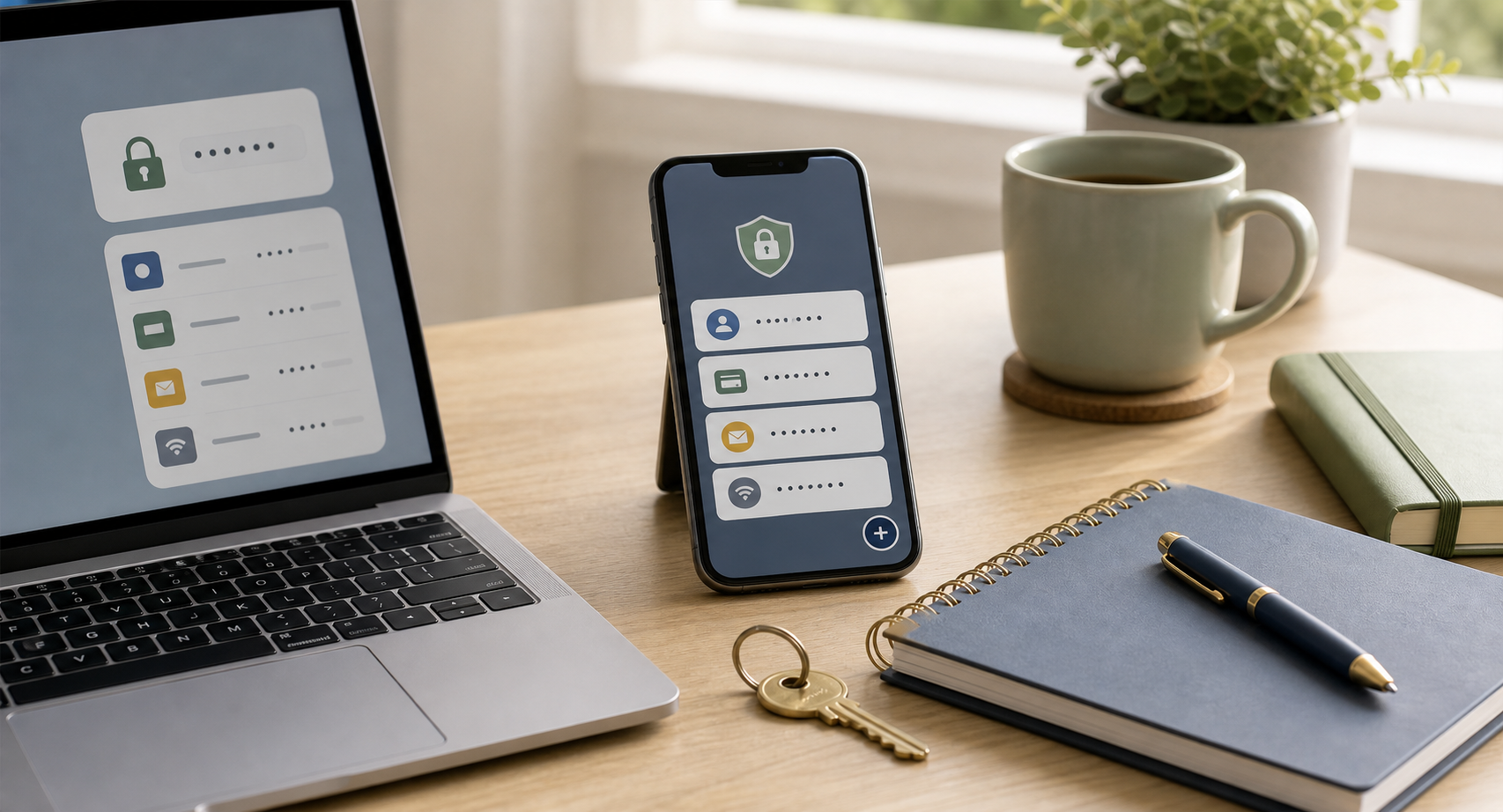
A password manager can store passwords, secure notes, and shared vaults. It can also make it easier to update weak or reused passwords without losing track.
The important part is choosing a setup your parent will actually use. A powerful tool that feels confusing will not help much.
- Choose one main password manager
- Create a strong master password and store recovery information safely
- Add important accounts gradually
- Use shared vaults only for accounts that truly need shared access
- Set up emergency access if the service offers it
Emergency access should be intentional
Not every adult child needs every password. Decide who should have access, under what circumstances, and where recovery instructions are kept.
For some families, that means one trusted child has password manager emergency access. For others, it means the parent keeps recovery details in a sealed envelope with legal documents and tells the agent under power of attorney where to find it.
What to avoid
- Do not text passwords back and forth.
- Do not keep a full password list in an unlocked desk drawer.
- Do not use one shared password for everything.
- Do not remove a parent's access or change passwords without permission unless there is a true emergency and legal authority.
- Do not ignore two-factor authentication. A password is only part of access.
Password organization is really trust organization. Keep the plan respectful, private, and clear enough that it works when someone is tired or stressed.