Our pick if you need a place to start
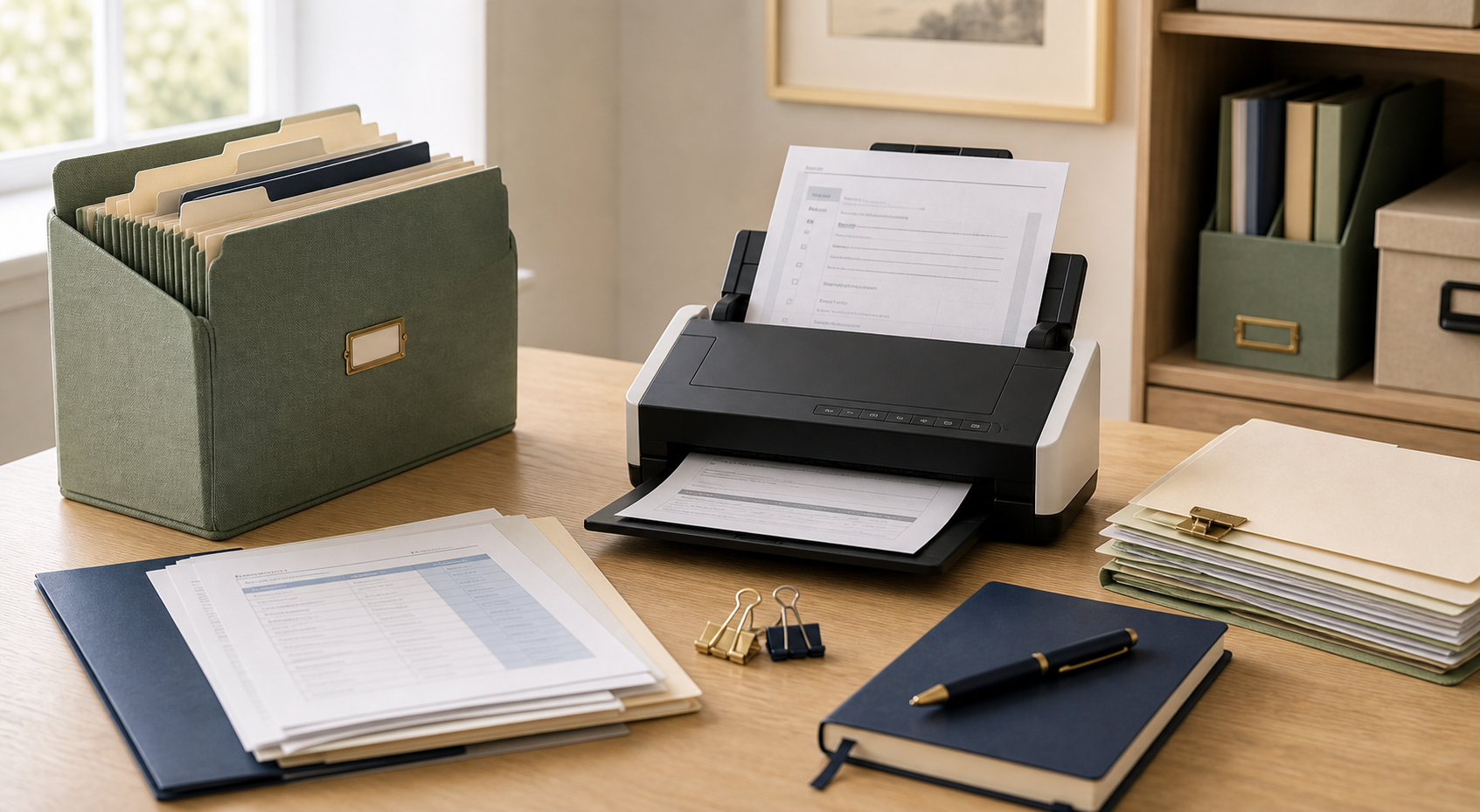
If we were helping a family start scanning household records this week, we would begin with a compact sheet-fed scanner like the Canon imageFORMULA R10 on Amazon.
The reason is speed. Most family paperwork is not one delicate certificate; it is stacks of insurance papers, tax files, account statements, medical summaries, and household records. A sheet-fed scanner makes that first cleanup more likely to actually happen. As an Amazon Associate, Retire Clear earns from qualifying purchases.
Quick comparison table
| Option | Best for | One-time cost to check | Speed | Watch-outs |
|---|---|---|---|---|
| Canon imageFORMULA R10 on Amazon | Family paperwork cleanup, tax files, insurance packets, medical papers | Check current Amazon price and return window | Fast for stacks of loose pages | Not ideal for fragile originals, bound pages, or keepsakes |
| Flatbed scanner or all-in-one printer scanner | Old photos, certificates, IDs, fragile pages, odd-sized documents | May already be included in a household printer | Slow but gentle | Less practical for large stacks of paper |
| Phone scanning app | Receipts, appointment notes, medication lists, quick captures | Often free or included with phone/cloud tools | Fine for occasional use | Lighting, shadows, and file naming can become inconsistent |
Why scanning helps families
Paperwork has a way of spreading across kitchen drawers, file boxes, glove compartments, email attachments, and old folders. When a parent has a medical appointment, a benefit question, an insurance issue, or a household repair, missing documents can slow everything down.
A scanner does not replace original legal documents. It creates searchable backup copies so trusted family members can find the right information faster.
What to compare first
- Automatic document feeder for multi-page stacks
- Duplex scanning for front-and-back documents
- OCR or searchable PDF support
- Simple file naming and cloud folder options
- Compatibility with Windows, Mac, iPhone, or Android
- Clear return policy and replacement supplies
Sheet-fed scanners: Best for stacks of paper
A sheet-fed scanner is usually the fastest choice for household paperwork because it can pull multiple pages through one after another. It is useful for tax files, insurance packets, medical visit summaries, bank statements, and old account records.
The tradeoff is that sheet-fed scanners are not ideal for fragile papers, photos, bound pages, or odd-sized keepsakes.
One portable option to compare is the Canon imageFORMULA R10 document scanner on Amazon. As an Amazon Associate, Retire Clear earns from qualifying purchases.
Flatbed scanners: Best for fragile or awkward documents
A flatbed scanner is slower, but it is gentle. It can be better for old certificates, photos, handwritten notes, Medicare cards, small receipts, and documents that should not be pulled through rollers.
If you only scan occasionally and already own an all-in-one printer, the built-in flatbed may be enough.
Phone scanning apps: Best for quick captures
Phone scanning apps can work well for receipts, appointment notes, medication lists, and quick copies while away from home. They are often good enough for reference copies, especially when lighting is strong and the document is flat.
For large stacks of paper, a phone app is usually slower and less consistent than a dedicated scanner.
A simple family scanning workflow
- Start with one folder: medical, insurance, legal, taxes, household, or accounts.
- Scan only what is useful, not every old envelope.
- Name files with a date and plain label, such as 2026-05 Medicare card.
- Store originals that still matter in a labeled folder, fire-resistant bag, or safe place.
- Share access only with trusted people who genuinely need it.
Quick picks
- Best for a big cleanup: Canon imageFORMULA R10 on Amazon
- Best for fragile papers: Flatbed scanner or all-in-one printer scanner
- Best for occasional use: Phone scanning app
- Best first step: Scan one high-value folder before buying anything new
The best scanner is the one the household will actually use. Start small, keep folder names simple, and avoid storing sensitive files in places family members do not understand or cannot access when needed.